
What suits your website?
The same website can be built in different ways. You notice the difference when you make changes yourself, maintain the site and expand it.
For many businesses WP Minimal is an excellent foundation. You work in WordPress with a small number of carefully chosen plugins. Those components need updates. That is why we keep the structure simple.
Different needs? Compare below what suits the way you use your website.
The three build routes
-
WP Minimal
WordPress with Astra, plus Spectra where useful. You edit text, photos and the agreed layout yourself.
-

WP Custom
WordPress with a theme built specifically for you plus custom extensions, without plugins from other developers. You edit text and photos yourself; for a different design or other features you usually need a developer.
-

Full Code
Built without WordPress. By default, changes go through a developer; an admin screen that lets you make edits yourself is quoted separately.
Our foundation is Astro, TypeScript and custom CSS, delivered as static HTML. In this version a small PHP script handles the form.
Special requirements? A different technical setup is possible by arrangement. No route is maintenance-free. WordPress, custom code and the build software used also need attention after delivery.
Side by side, topic by topic
Can you change text or a photo yourself?
- WP Minimal
- Yes, via WordPress. You edit text, images and pages. Within the agreed setup you can also adjust the layout.
- WP Custom
- You change text and photos just as easily in the WordPress editor, using the blocks made for you. Changes to the design or features usually require a developer.
- Full Code
- Through a developer by default. You can make changes yourself with an additional admin screen.
We agree in advance what you want to be able to change yourself. An admin screen does not automatically give you the freedom to change the entire design.
Where do you log in and what do you need to arrange?
- WP Minimal
- You get a personal WordPress login for managing the site.
- WP Custom
- You get a personal WordPress login for the admin environment set up for you.
- Full Code
- By default you cannot log in to change text and photos. With an additional admin screen you can.
You keep control of your domain, hosting and website. We agree who gets which access. You do not need GitHub for normal use.
What do you pay after the build?
All three have the same base price of € 1,000 one-off, excl. VAT, for up to ten existing pages.
- WP Minimal
- Hosting, domain and any licences. Maintenance and changes as agreed.
- WP Custom
- Hosting and domain, plus any services used. Maintenance of WordPress and the custom code as agreed.
- Full Code
- Hosting and domain. An admin screen, connected services and changes carried out may cost extra.
You know in advance which costs are one-off, which recur and what any adjustments cost.
What needs to stay secure and up to date?
- WP Minimal
- WordPress, the theme and the chosen plugins. The admin login needs protection.
- WP Custom
- WordPress and the custom code. Here too we protect the admin login.
- Full Code
- No WordPress login in the static base. Hosting, forms, code components and integrations still need attention.
Fewer external components means fewer dependencies. Every route needs careful management. We agree in advance who takes care of updates, backups and recovery and what costs are involved.
What if something goes wrong?
- WP Minimal
- Restore from a backup of the website files, images and database.
- WP Custom
- Restore from a backup of the files, custom code, images and database.
- Full Code
- Republish a working version. Files, settings and any external data must also be safeguarded.
A previous code version helps with a code error but does not automatically bring back all data. We agree in advance who takes care of updates, backups and recovery and what costs are involved.
Can another developer carry on with it?
- WP Minimal
- A common WordPress foundation that many agencies can work with.
- WP Custom
- A developer who can maintain custom WordPress code.
- Full Code
- A developer who knows the technology used.
A handover includes the relevant access, content, project-specific source code and clear instructions.
See the same website built in different ways.
On the outside it can look almost identical. The differences lie mainly in management and technology.
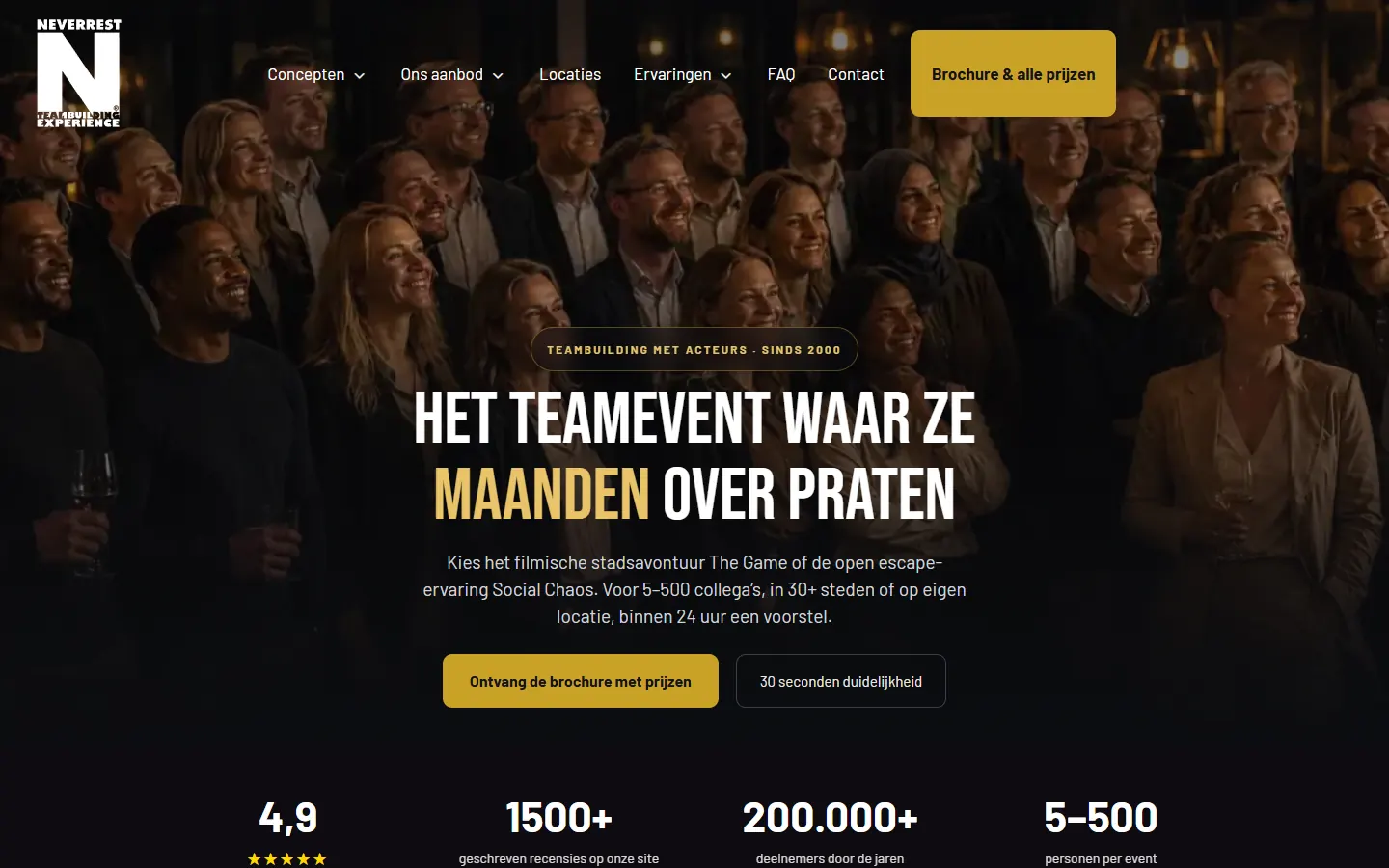
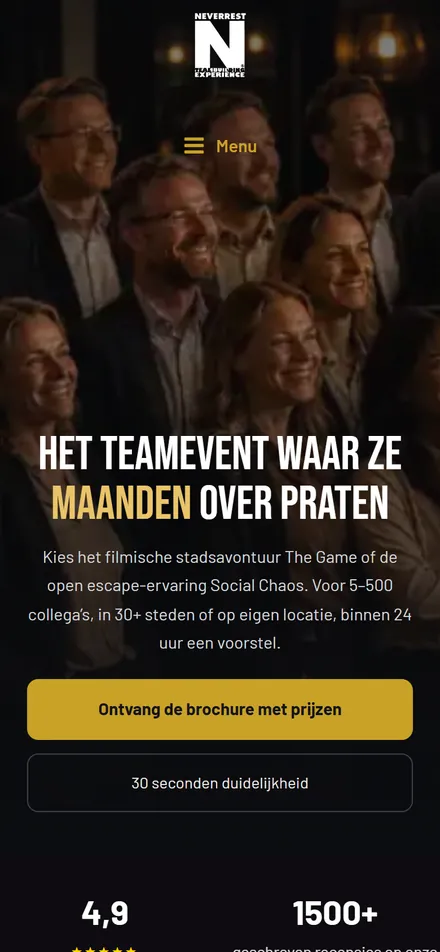
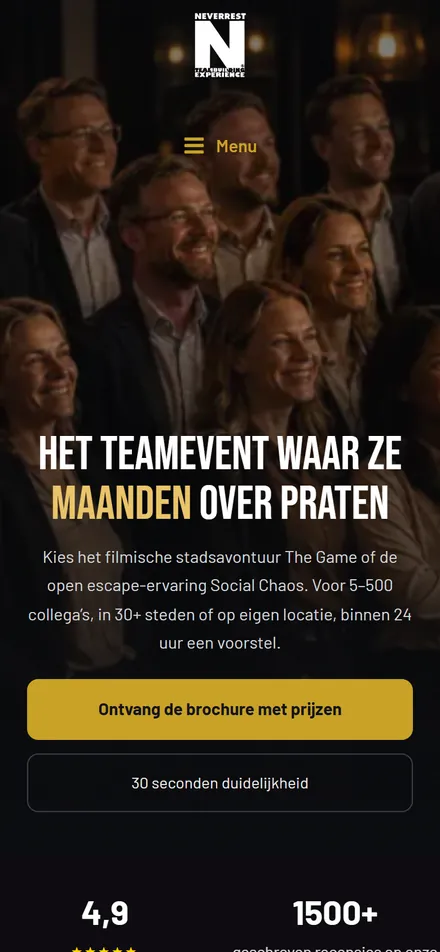
Current website
The live website of Neverrest, in WordPress with Astra, Spectra and several additional plugins. This is the starting point for the three rebuilt versions.
Screenshot taken on 27 September 2026 at 21.39. The measurements were taken the same day between 22.17 and 22.41.
Open this website (opens in a new tab) Opens neverrest.nl in a new tab.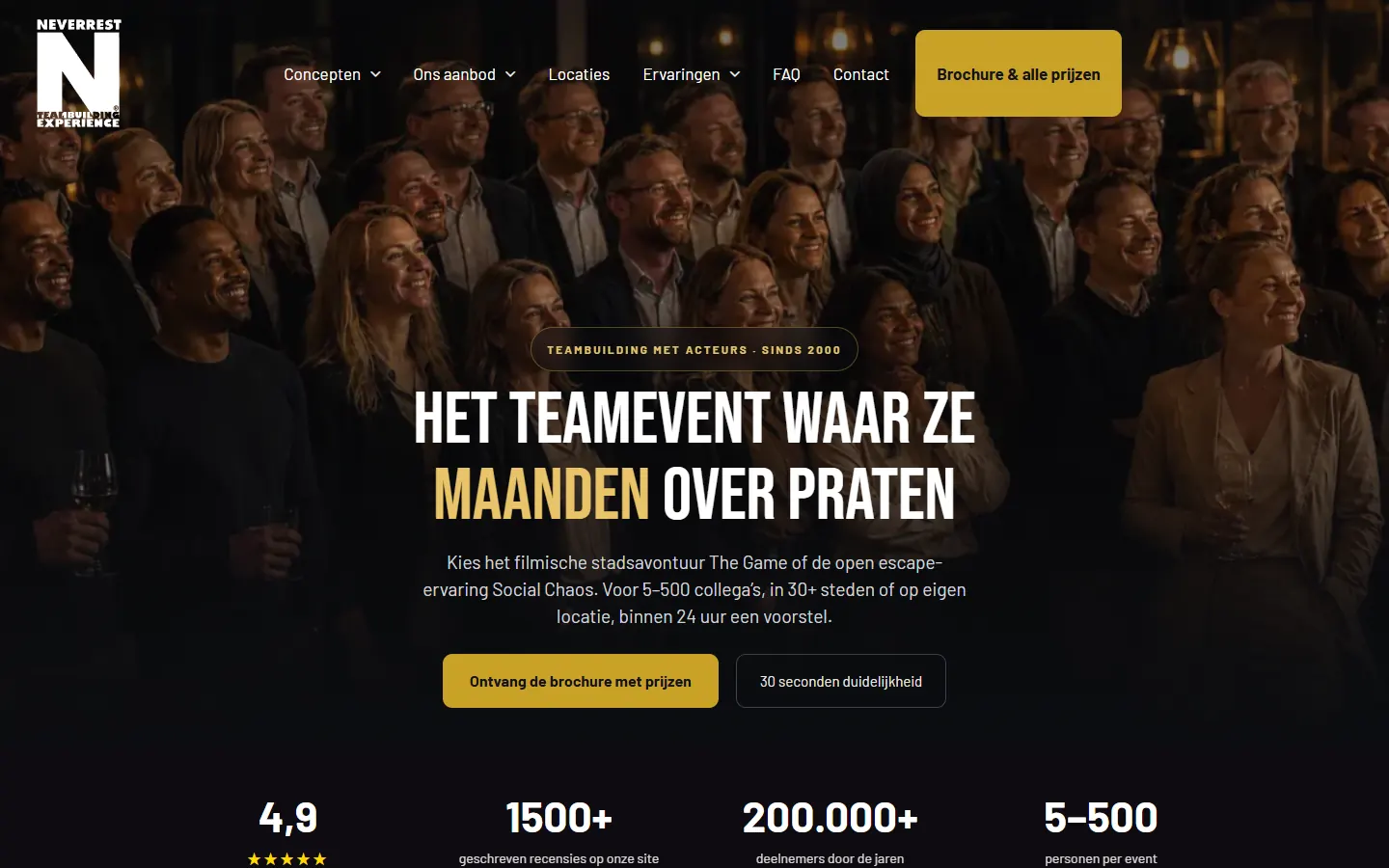
WP Minimal
The same website in WordPress with the free Astra theme and three plugins (Spectra, Yoast and Cache Enabler). When measured on 27 September 2026, neverrest.nl used 25 plugins.
Screenshot taken on 27 September 2026 at 22.42.
Open this website (opens in a new tab) Opens in a new tab.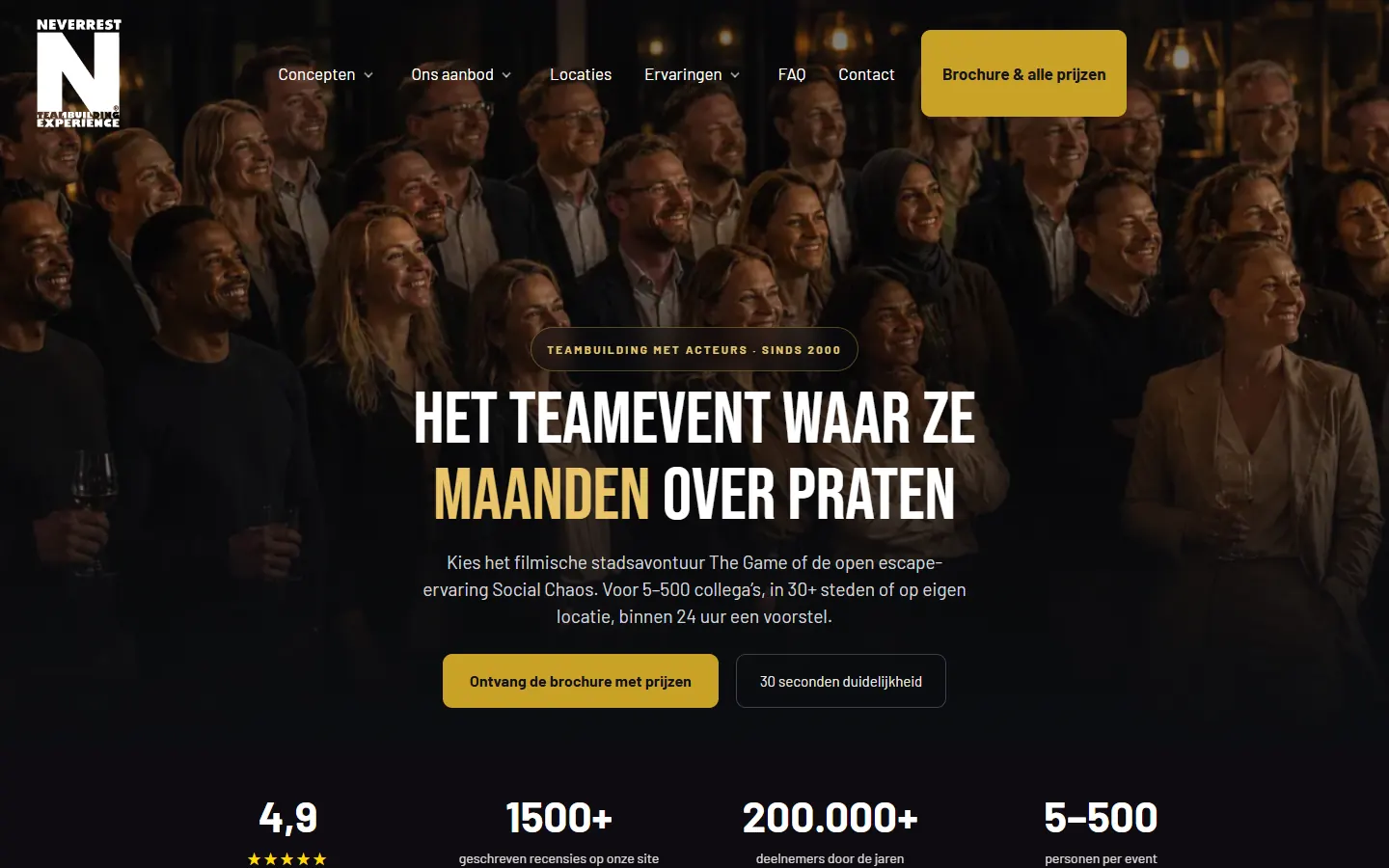
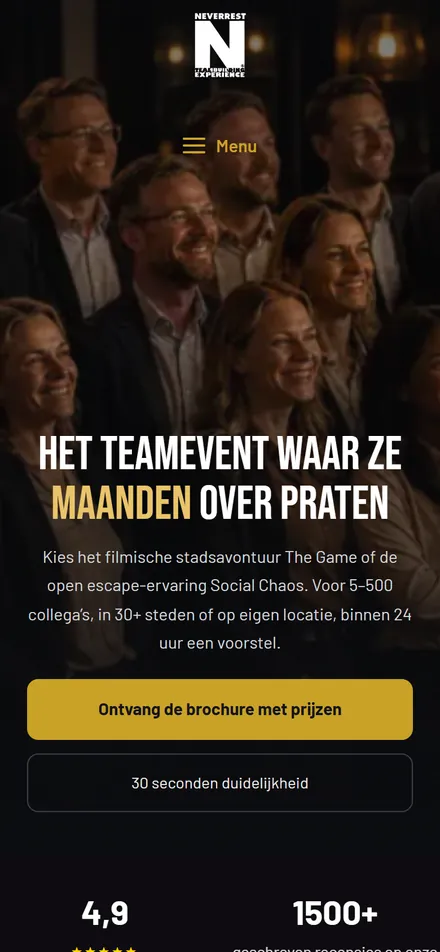
WP Custom
The same website in WordPress, with a custom theme and custom extensions. No third-party plugins are running.
Screenshot taken on 27 September 2026.
Open this website (opens in a new tab) Opens in a new tab.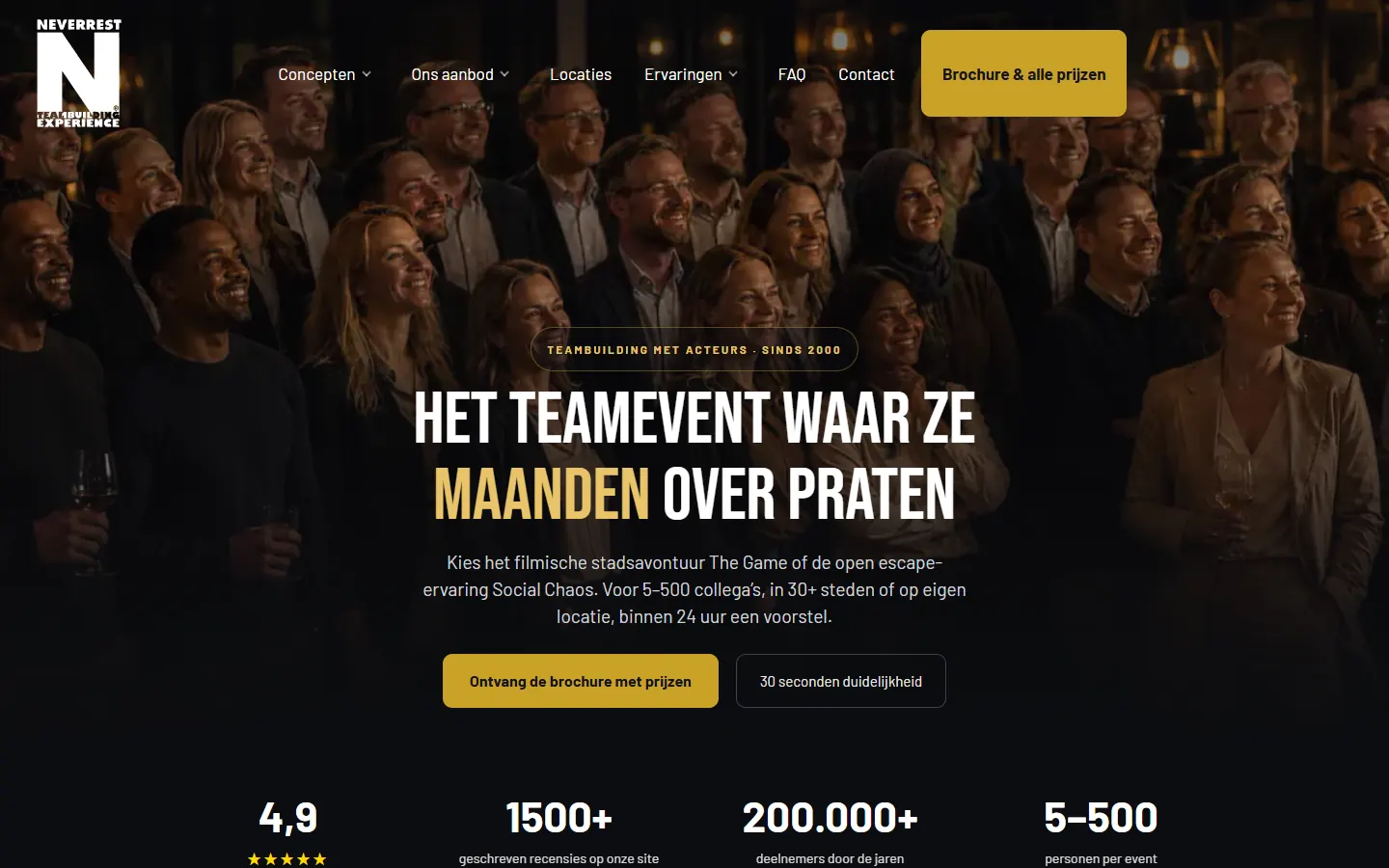
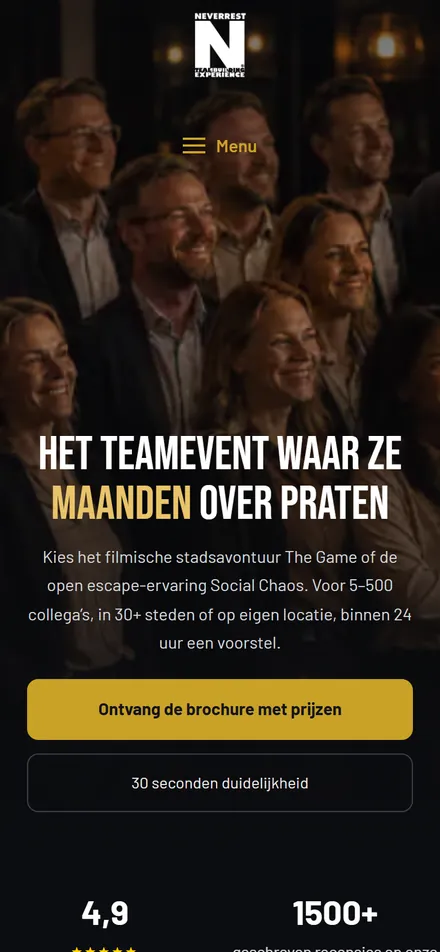
Full Code
The same website without WordPress, built with Astro and published as static HTML.
Screenshot taken on 27 September 2026.
Open this website (opens in a new tab) Opens in a new tab.How these examples load.
One measurement round of all four versions, on 27 September 2026 between 22.17 and 22.41, with the same settings for each tool. WP Minimal was measured again on 28 September, this time with a small page cache.
The original runs on Kinsta with a CDN, the three rebuilt versions on TransIP without a CDN. Hosting and settings affect the results.
| Version | Lighthouse mobileperformance score, middle of three runs | GTmetrix desktopPerformance, middle of three runs | Measured |
|---|---|---|---|
| Current website · neverrest.nlThe original · Kinsta with CDN | 96 | 100 | 27 Sep 2026 |
| WP MinimalRebuilt version · TransIP without CDN | 96 | 100 | 28 Sep 2026 |
| WP CustomRebuilt version · TransIP without CDN | 98 | 100 | 27 Sep 2026 |
| Full CodeRebuilt version · TransIP without CDN | 100 | 100 | 27 Sep 2026 |
These are speed scores, not load times. They apply to these websites and this hosting. A high score does not guarantee a better position in Google.
View the measurements
| Version | Lighthouse, three runs | Middle run | GTmetrix, three runs | Page weight and LCP |
|---|---|---|---|---|
| neverrest.nl | 96 · 95 · 96 | run 1 · 289 kB · LCP 2.73 s | 100 · 100 · 100 | 308 KB · LCP 397 ms |
| WP Minimal | 96 · 96 · 97 | run 1 · 301 kB · LCP 2.15 s | 100 · 100 · 100 | 328 KB · LCP 500 ms |
| WP Custom | 98 · 98 · 98 | run 2 · 307 kB · LCP 2.26 s | 100 · 96 · 100Only the report link of the last run was recorded. | 338 KB · LCP 499 ms |
| Full Code | 100 · 100 · 100 | run 2 · 210 kB · LCP 1.73 s | 100 · 99 · 100 | 207 KB · LCP 583 ms |
Lighthouse mobile
Lighthouse 13.5 with the standard mobile profile. It simulates a phone of 412 by 823 pixels with a processor slowed down four times, a 1.6 Mbps connection and 150 ms latency. Three runs per homepage from a laptop in Zoetermeer, from 22.33 to 22.41, each run preceded by a warm-up request.
The table shows the middle performance score plus the weight and simulated LCP of that same run, in transferred bytes (1 kB is 1,000 bytes). Each number opens the full report.
WP Minimal was measured again on 28 September at around 00.25, with Cache Enabler as page cache and otherwise the same settings. Total Blocking Time was around 170 ms in all three runs. A test with Astra Pro added 61 kB without any visible difference, which is why WP Minimal runs on the free theme.
GTmetrix desktop
From Amsterdam with Chrome on a desktop, without connection throttling. Three runs per homepage, from 22.17 to 22.32. Page weight as reported by GTmetrix, with the middle LCP of the three runs.
With Cache Enabler, WP Minimal delivered the first byte after 30 to 35 ms. Without a page cache, the first run on 27 September came in at 92, because PHP then rebuilds the page on every cold request.
Lighthouse simulates a slower phone here. GTmetrix tests a desktop with a fast connection. Compare the versions within the same column.
Hosting
neverrest.nl runs on Kinsta, with Kinsta’s page cache, Cloudflare as CDN and WP Rocket as caching plugin. WP Minimal, WP Custom and Full Code are on the same shared TransIP hosting package without a CDN. There, WP Minimal uses the Cache Enabler plugin as page cache.
What does a score like this say about your visibility?
A Lighthouse score is not a ranking score. All four versions score high. A perfect score does not guarantee a better position in Google.
For page experience, Google looks at how real visitors experience the page, measured in Chrome. A lab score like this one does not count towards that. Relevance weighs more heavily. Google itself writes that chasing a perfect score purely for SEO is probably not the best use of your time.
According to Google, the AI answers in Google Search have no additional technical requirements beyond regular SEO. We make sure your website is fast and pleasant to use, because your visitors do notice that. Chasing 100 is not the goal.
Sources: Google, page experience · Google, Core Web Vitals report · Google, AI features · John Mueller of Google, 2024
What about Webflow, Wix or Squarespace?
Webflow, Wix and Squarespace are also options. We do not build with them. Below is a short summary of what they mean for management, costs and switching.
One advantage, one limitation and the source for each platform
- WebflowLots of design freedom.After exporting the code, features such as the CMS, forms and site search no longer work.Source: Webflow Help Center
- WixWix takes care of updates, a CDN and security monitoring itself.The site only runs on Wix’s servers and cannot be moved to your own hosting.Source: Wix Help Center
- SquarespacePolished templates and easy management.An export includes only part of the content, for example no shop pages and no style settings.Source: Squarespace Help Center
With all three you pay an ongoing subscription to the platform. It covers hosting and technical management.
You don’t have to choose the technology in advance.
We discuss what you want to do yourself, which functions you need and what will be useful later.